






























































Introduction
A root password is automatically generated when your VPS instance is provisioned. Once provisioning is complete, this password is available within your Hipposerve® VPS vPanel.
How to Find Your VPS Root Password
Step 1: Access Your vPanel
First, log in to your Hipposerve® VPS vPanel. If you are unsure how to access it, please follow the guide here:
Accessing your Hipposerve® VPS vPanel
Step 2: Locate Instance Details
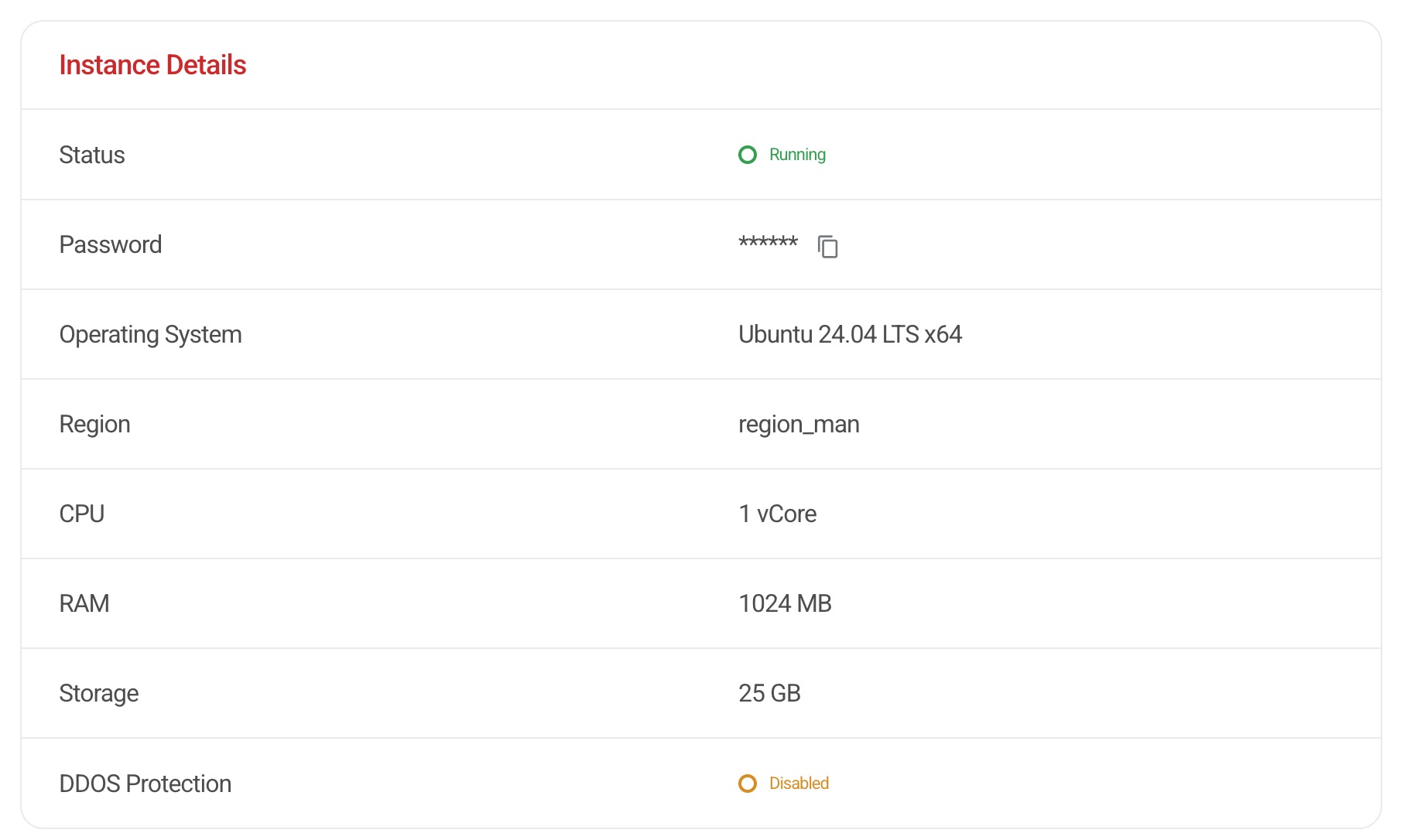
Once inside your vPanel, scroll down to the Instance Details section.
Your server root password will be displayed here in a hidden format.
Click the Copy icon to securely copy the password to your clipboard.
The default username for your VPS is: root.
Important Notes
Password Changes After Reinstallation
If you reinstall your VPS instance, or deploy a pre-built operating system or application, the root password may change.
In some cases, the updated password may not appear immediately in the vPanel. If the password has not refreshed within a few hours, please visit:
https://support.hipposerve.net
and a member of our support team will assist you.
Manual Password Changes
If you manually change your root password within your VPS instance (which we strongly recommend for security reasons), the updated password will not be reflected in the vPanel.
Please ensure you securely record any manually set passwords. If you change the password yourself, the Hipposerve® support team will not have access to your instance credentials if you forget the password.