






























































Introduction
Hippo VPS plans provide a powerful, secure, and flexible Virtual Private Server environment for your website or custom application. This guide will take you through the steps to order a Hippo VPS plan. Our VPS options include: Business Smart VPS, Premium VPS, and Premium VPS Xtreme, Minecraft VPS and Windoews® VPS
Find Your Hippo VPS Plan
- Order one of our VPS plans directly from our website.
- Select the VPS plan that matches your requirements.
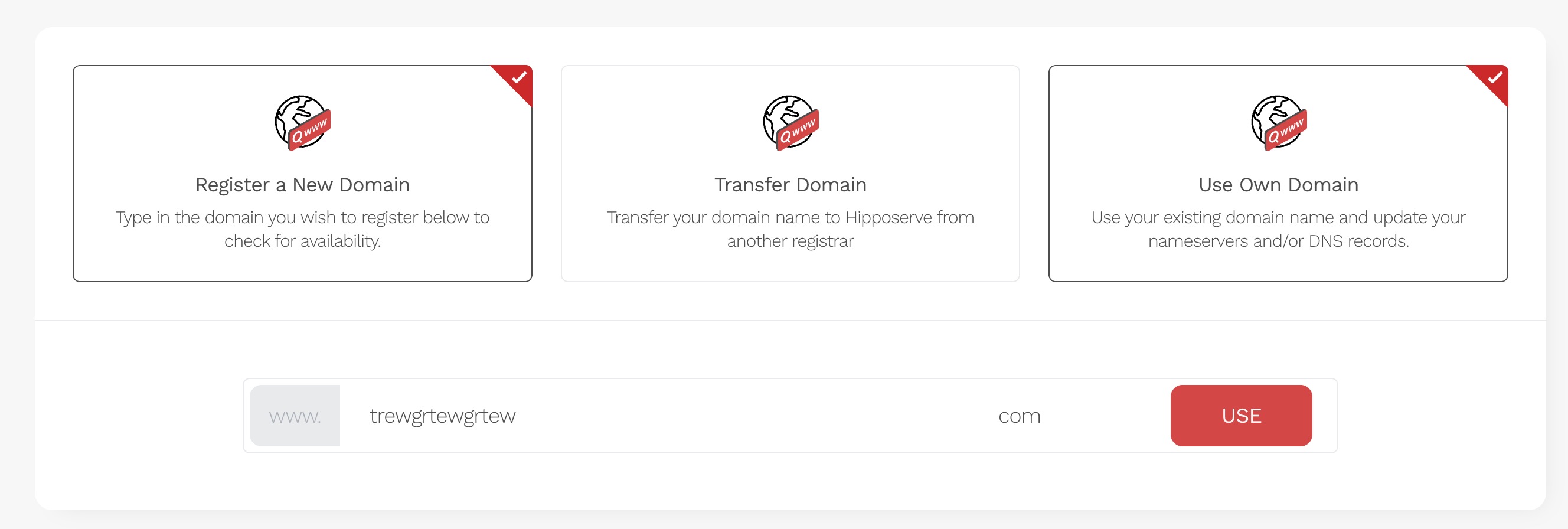
Set Up a Product Domain Name
This product requires a domain name to function correctly. Choose the option that best suits your needs.
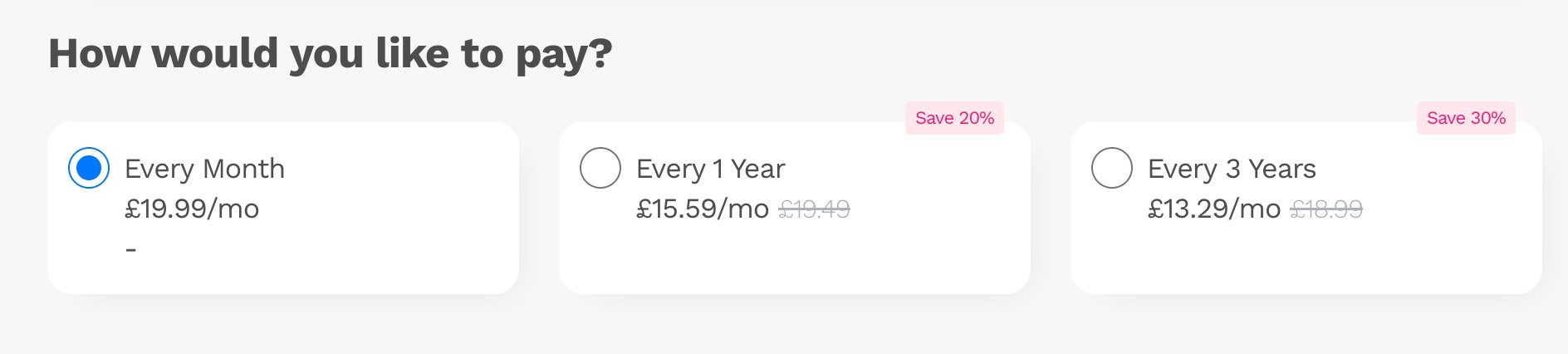
Choose Your Billing Cycle
- Select a billing cycle: monthly, annually, or triennially.
Configure The Instance Options
Customize your server to match your preferences. Actual options may vary based on the selected plan.
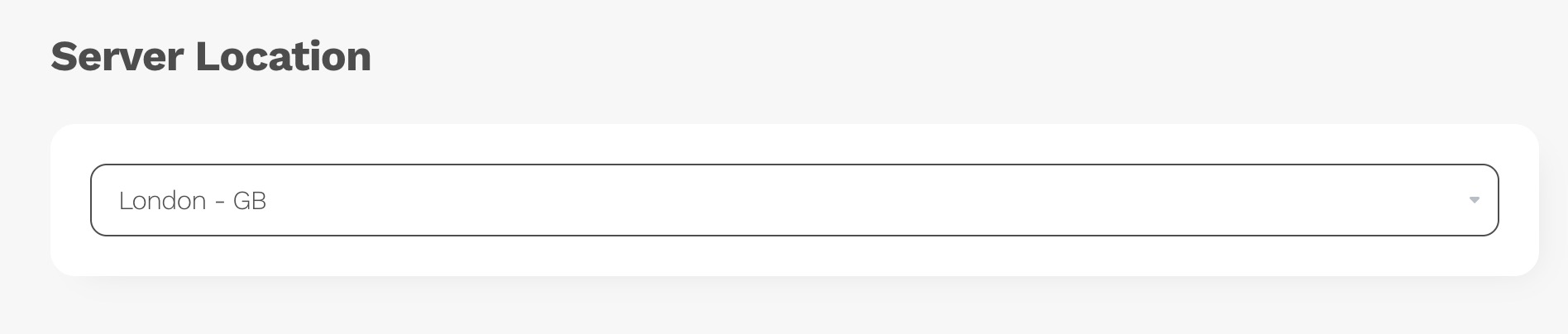
Server Location
Your data is stored at the selected server location. The default is London, GB. There are 25+ worldwide locations to choose from. Select the data center closest to your core user base for faster page loading. Not all plans are available at all locations at all times.
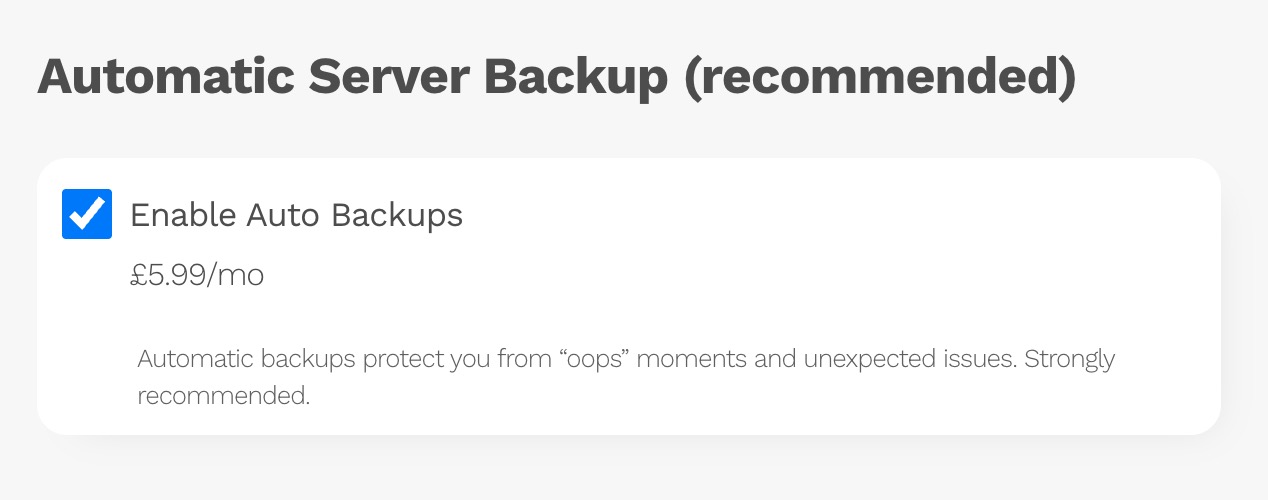
Automatic Server Backup
We recommend including a backup plan. Our auto-backup feature allows you to schedule complete server backups, including configurations. This ensures quick recovery in case of issues. Note: The monthly price varies based on server size.
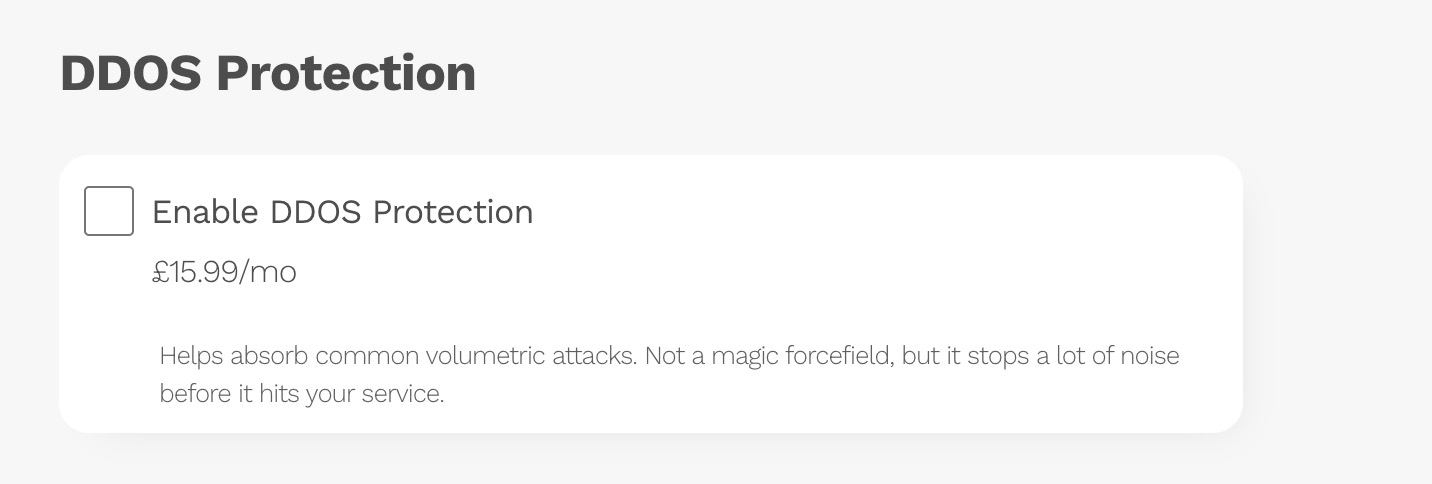
DDoS Protection
Protect your server from DDoS attacks with our proactive monitoring and blocking service, allowing legitimate traffic through.
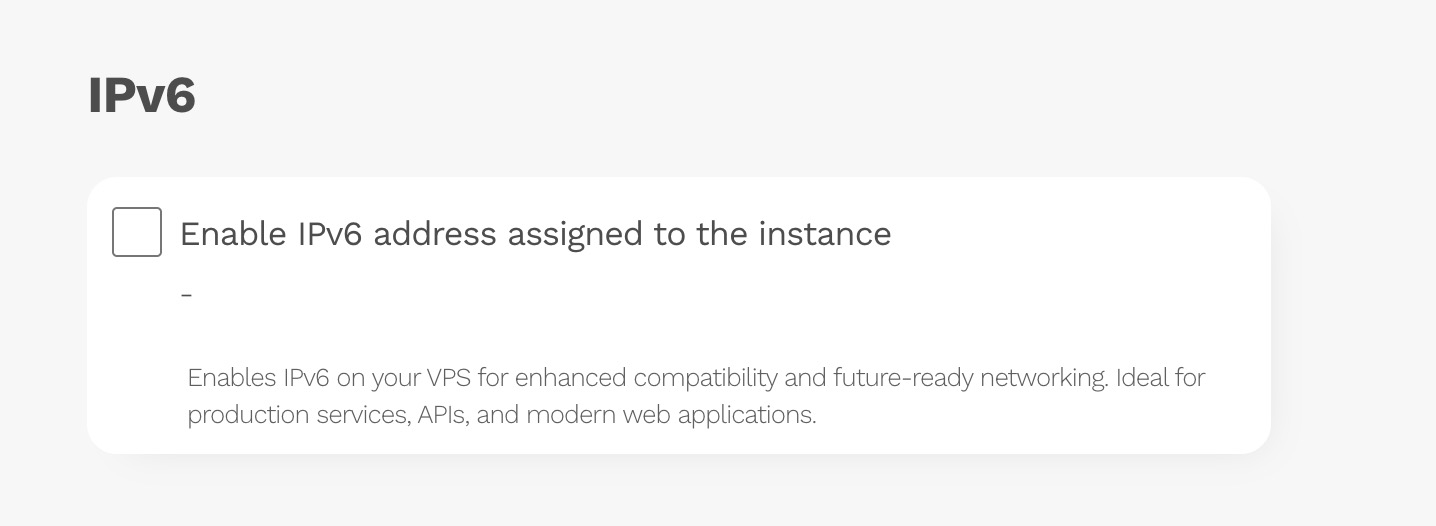
IPv6 Address
IPv6 offers more security, reliability, and speed for modern networks and it works alongside IPv4 systems.
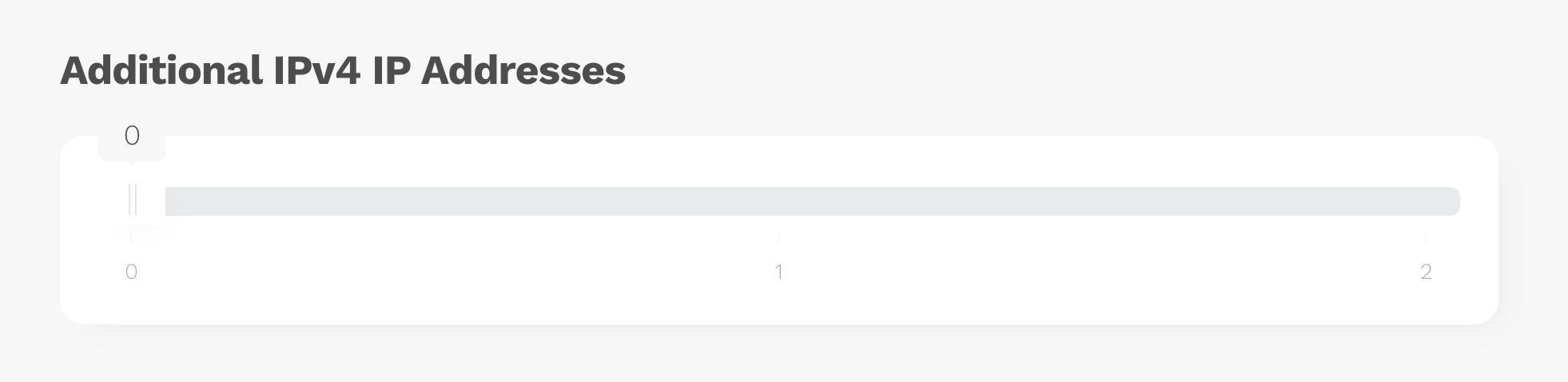
Additional IPv4 Address
Add an extra IPv4 address for enhanced flexibility, performance, and security management.
Choose Your Add-ons
Select from various add-ons, including Free Website Migration/Transfer, Website Security, Advanced SSL, and an SEO plan. Not all addones are available on all services.
Complete Configuration
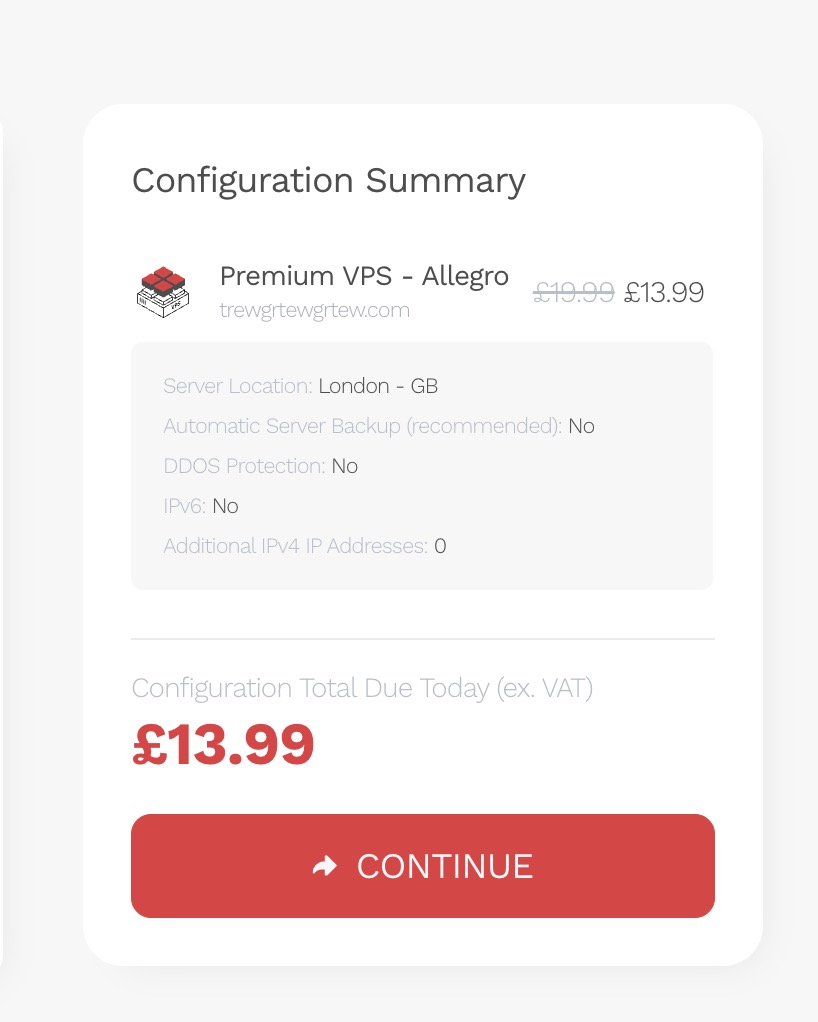
For existing customers, the final price today may differ slightly due to proration, aligning with your account's billing cycle. Subsequent payments will match the advertised price. When satisfied with your options, proceed to checkout.
Complete Checkout
If you are an existing customer you should login to your account.
New customers will need to enter their details at checkout and complete your order. Provisioning may take a few moments; please be patient and do not leave the page.
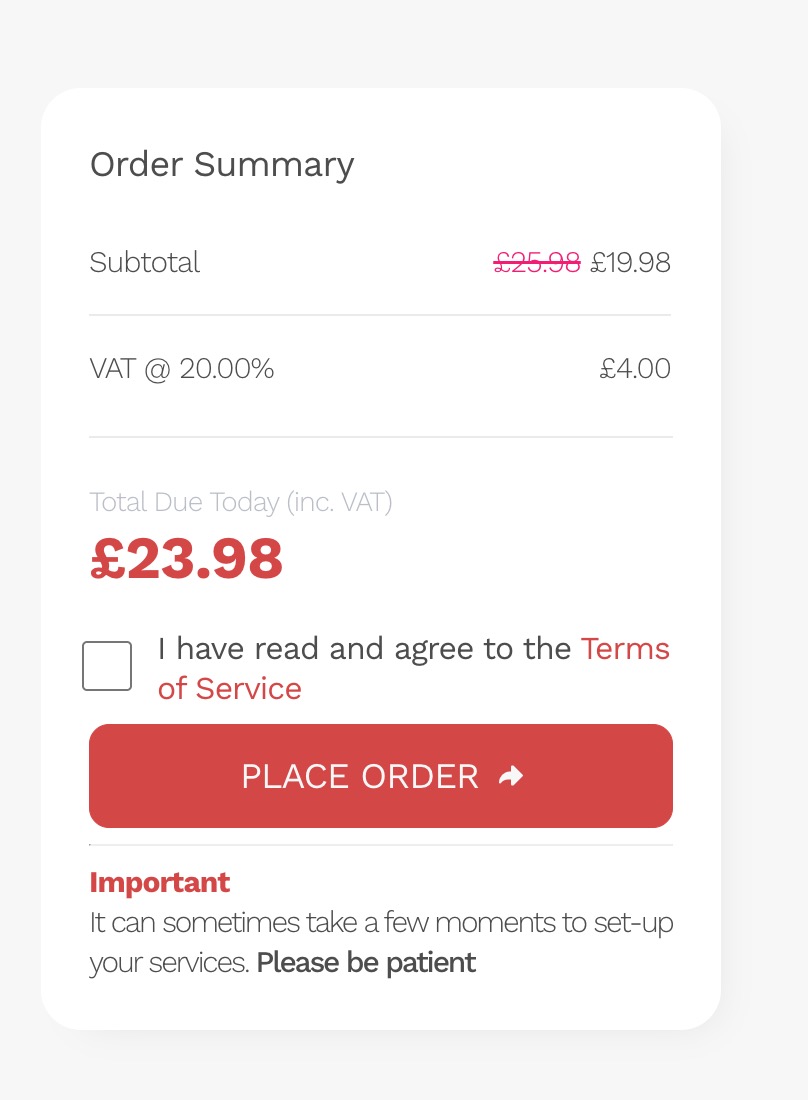
Provisioning
You will receive an email confirmation once your order has been processed. After payment is received, your Hippo VPS service is provisioned automatically. In most cases, this completes within a few minutes.
Occasionally, additional verification checks are required before activation. If so, we may contact you to confirm certain details. These checks are carried out for compliance and security purposes.
Initial Installation
Your VPS will be deployed with our base operating system: the latest stable AlmaLinux release. Once provisioned, it will be accessible via terminal, allowing you to configure the server to your specifications and install software of your choice.
You can learn how to access your VPS terminal here.
For convenience, you may also deploy one of our pre-built operating systems or application images from the library. A step-by-step guide is available here.
Important: VPS services are designed for users with working knowledge of server administration. Hipposerve® provides support for the underlying infrastructure only. We are unable to assist with configuration of your VPS, installed applications, or software troubleshooting.