






























































Introduction
In order to configure and set up your VPS, you may need to access the server terminal. For your convenience, your Hipposerve® VPS vPanel includes built-in terminal access to your VPS instance.
Accessing Your VPS Terminal via vPanel
Step 1: Access Your Hipposerve® VPS vPanel
First, log in to your Hipposerve® VPS vPanel. If you are unsure how to access it, please follow the guide here:
Accessing your Hipposerve® VPS vPanel
Step 2: Open the Console
Within the vPanel, navigate to Service Management and click on the Console icon.
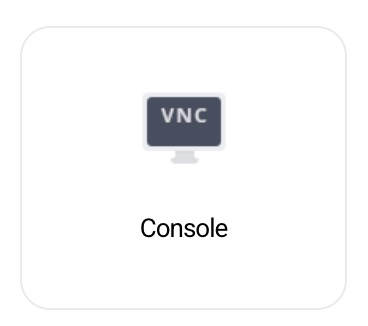
This will open the terminal window directly in your browser.
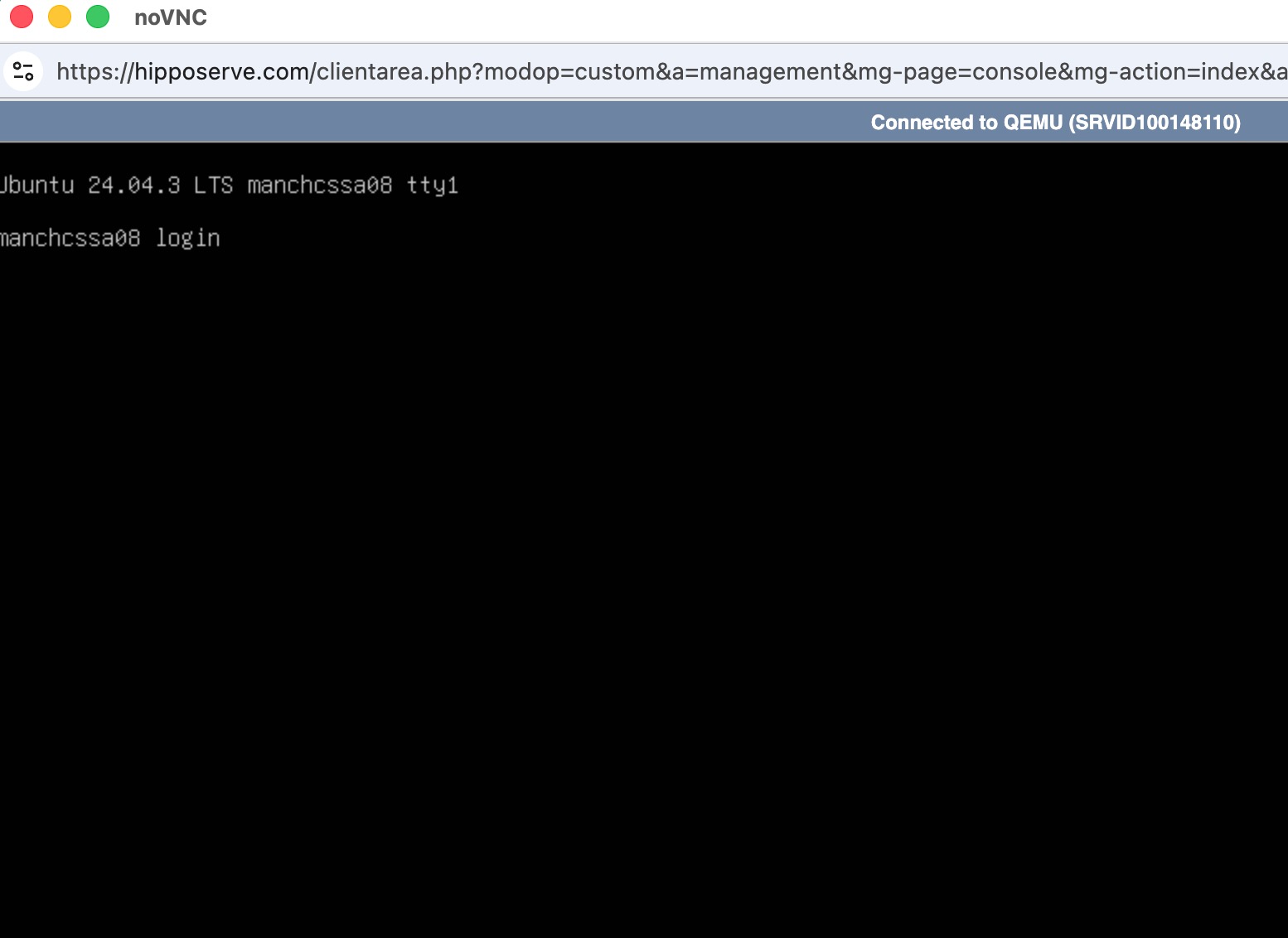
Step 3: Log In
You can log in using your root credentials or any other user credentials that you have configured on the server.
Alternative SSH Access
Using Third-Party SSH Tools
You may also access your VPS terminal using any third-party SSH client such as PuTTY, Terminal (macOS/Linux), or other SSH tools.
The default SSH port on a newly provisioned VPS instance is 22.
Security Recommendation
For security purposes, we strongly recommend changing the default SSH port and disabling password authentication once your server is configured.