



























































ezForward™ SSL
When you use Hipposerve ezForward™ to forward your domain to another website, we automatically include a free SSL certificate.
An SSL certificate ensures that visitors see a secure https:// connection when accessing your forwarded domain. This improves trust, avoids browser security warnings, and ensures compatibility with modern browsers and search engines.
In most cases, the SSL certificate is issued and installed automatically as part of the ezForward™ setup process.
However, on occasion, automatic SSL installation may fail. This can happen if:
- The third-party certificate authority is temporarily unavailable
- The domain’s DNS was not fully correct when ezForward™ was first activated
- DNS records were changed shortly after setup
This guide explains how to manually install the ezForward™ SSL certificate if required.
How to Manually Install the ezForward™ SSL Certificate
1. Open the ezForward™ Control Panel
- Log in to your Hippo Portal and navigate to the domain using ezForward™.
- From the ezForward™ management screen, click the Open ezForward Control Panel button.
2. Check the SSL Status
- Within the ezForward™ Control Panel, click the Automatic SSL button.
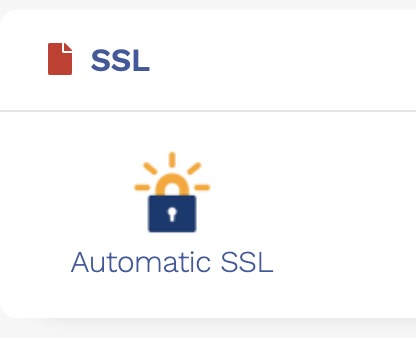
- This screen shows the current status of the SSL certificate.
- If the certificate is not installed, you will see NA listed under Created On.

3. Install the SSL Certificate
- Click the Install button to request and install the SSL certificate.

- Certificate issuance usually takes a few moments.
- After a short wait, refresh the page. Once installed, the certificate details will be displayed and your forwarded domain will load securely over HTTPS.

Important Notes
If the SSL certificate still fails to install, the most common cause is incorrect DNS configuration.
Please ensure that:
- Your domain is using Hipposerve nameservers
- ezForward™ DNS checks are passing successfully
- No conflicting DNS records exist
You can re-run the ezForward™ DNS checks at any time to verify that everything is configured correctly.
Additioal Notes:
An SSL certificate is not required if you just intend to use email forwarding.
Need Help?
If you continue to experience SSL issues after confirming your DNS settings, please raise a support ticket and a member of the Hipposerve team will be happy to assist.