






























































Accessing the Hipposerve® ezForward Management Area
This article explains how to access the ezForward management area from within your Hippo Portal. From here, you can manage web forwarding, email forwarding, SSL certificates, subdomains, and redirects for your domain.
Step-by-Step Guide
1. Open My Domains
- Log in to your Hippo Portal.
- Click the My Domains button.

2. Select the Domain
- Locate the domain you want to manage.

- From the domain menu, click Manage Forwarding.
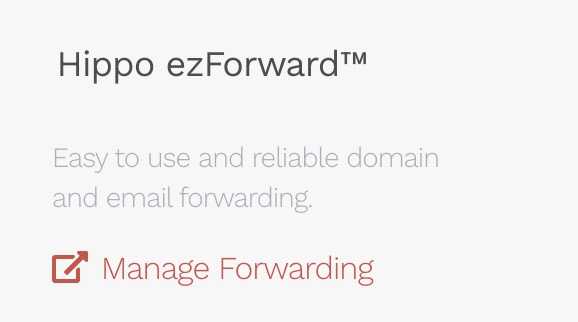
You will now be taken directly to the ezForward Management Area, where you can configure and manage all forwarding features for this domain.