



























































Accessing the ezForward™ Management Area
This article explains how to access the ezForward™ management area from within your Hippo Portal. From here, you can manage web forwarding, email forwarding, SSL certificates, subdomains, and redirects for your domain.
Step-by-Step Guide
1. Open My Domains
- Log in to your Hippo Portal.
- Click the My Domains button.

2. Select the Domain
- Locate the domain you want to manage.

- From the domain menu, click Manage Forwarding.
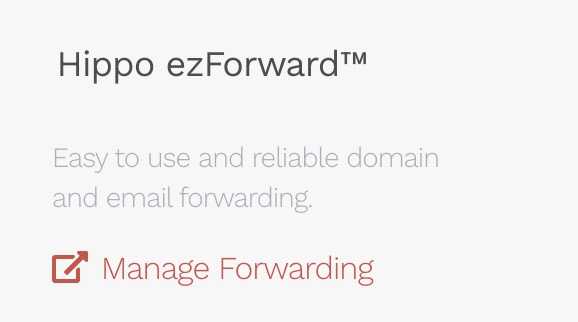
You will now be taken directly to the ezForward™ Management Area, where you can configure and manage all forwarding features for this domain.